Getting Started with Fit Host
A complete walkthrough of installing Fit Host, setting up your profile, and logging your first session either as a guest or with a cloud account.
No account required to start tracking.
Master the Fit Host workout logger: choose disciplines, track sets with weights and reps, use the built-in rest timer, and save detailed workout summaries.

Mobile interface reference for How to Log Workouts and Exercise Sets
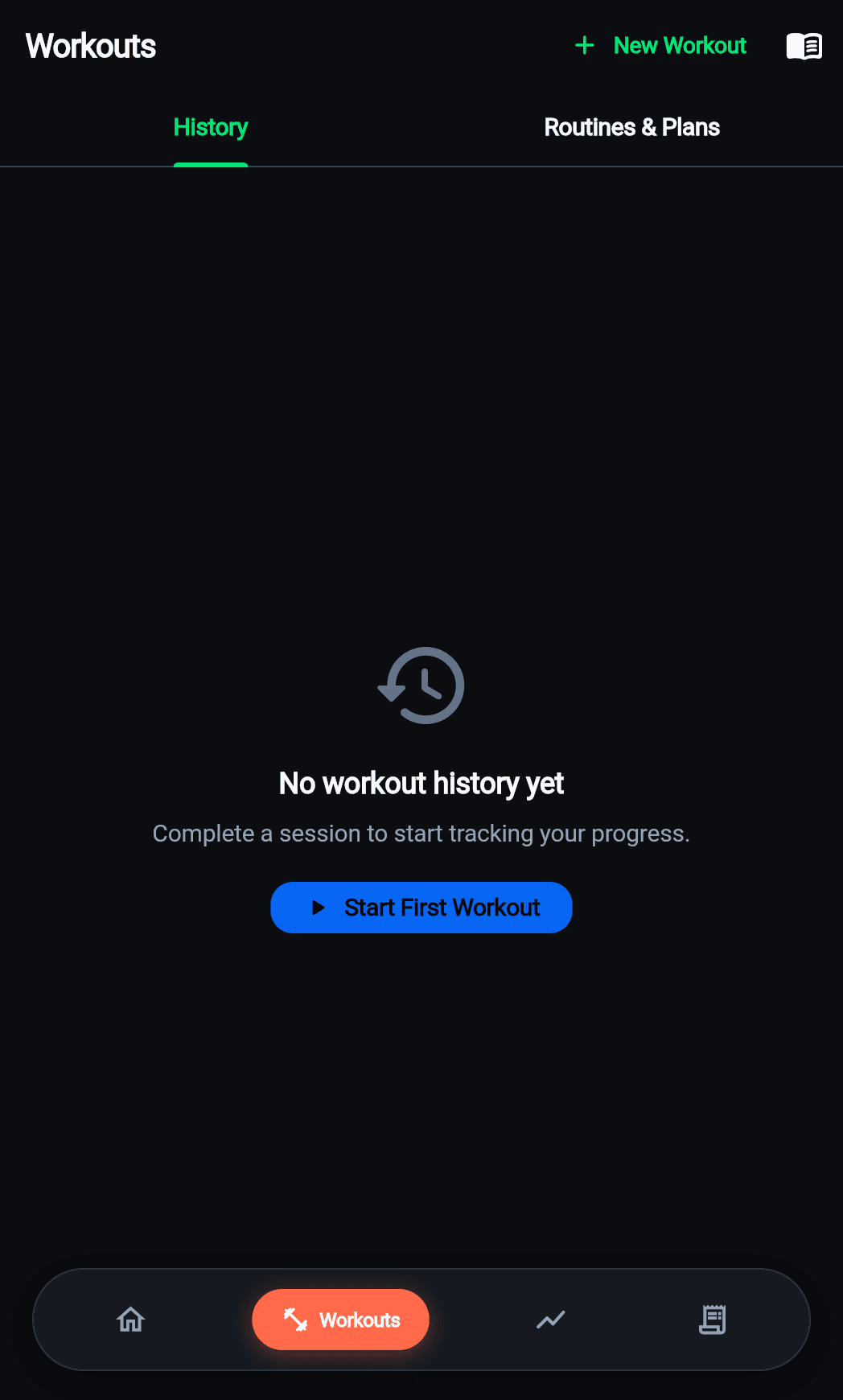
Tap 'Workouts' from the bottom navigation bar. You will see 10 categorized disciplines including Strength, Cardio, HIIT, Bodyweight, Arms, Chest, Back, Legs, Abs, and Yoga.
Choose the muscle group or workout type. Browse pre-configured exercises or create a custom exercise entry.
Enter your resistance weight (in kg or lbs) and repetitions completed. Tap the checkmark to complete each set. The built-in rest timer starts automatically.
When finished, tap 'Complete Workout'. A detailed summary screen calculates total volume, workout duration, and personal best milestones.
A complete walkthrough of installing Fit Host, setting up your profile, and logging your first session either as a guest or with a cloud account.
No account required to start tracking.
A deep dive into how Fit Host manages two-way synchronization: zero latency writes to Drift SQLite, automatic background sync to Supabase, and conflict resolution.
Zero-latency local writes even in airplane mode.
Fit Host is a dedicated mobile application for iOS and Android. Experience sub-millisecond offline workout logging, accurate macro tracking, and two-way cloud sync.