
How Fit Host Works.
Fit Host is an offline-capable mobile application. Here is a clear visual walkthrough of the real app flow from first download to cloud backup.
Install and Open Fit Host
Download the verified Android Release APK or install through your platform app store. Fit Host boots up instantly without bloat or telemetry delays.
- Lightweight mobile build engineered with Flutter 3.24+
- Native dark mode interface with #0A0F0D deep black background
- Immediate device initialization of the local Drift SQLite database
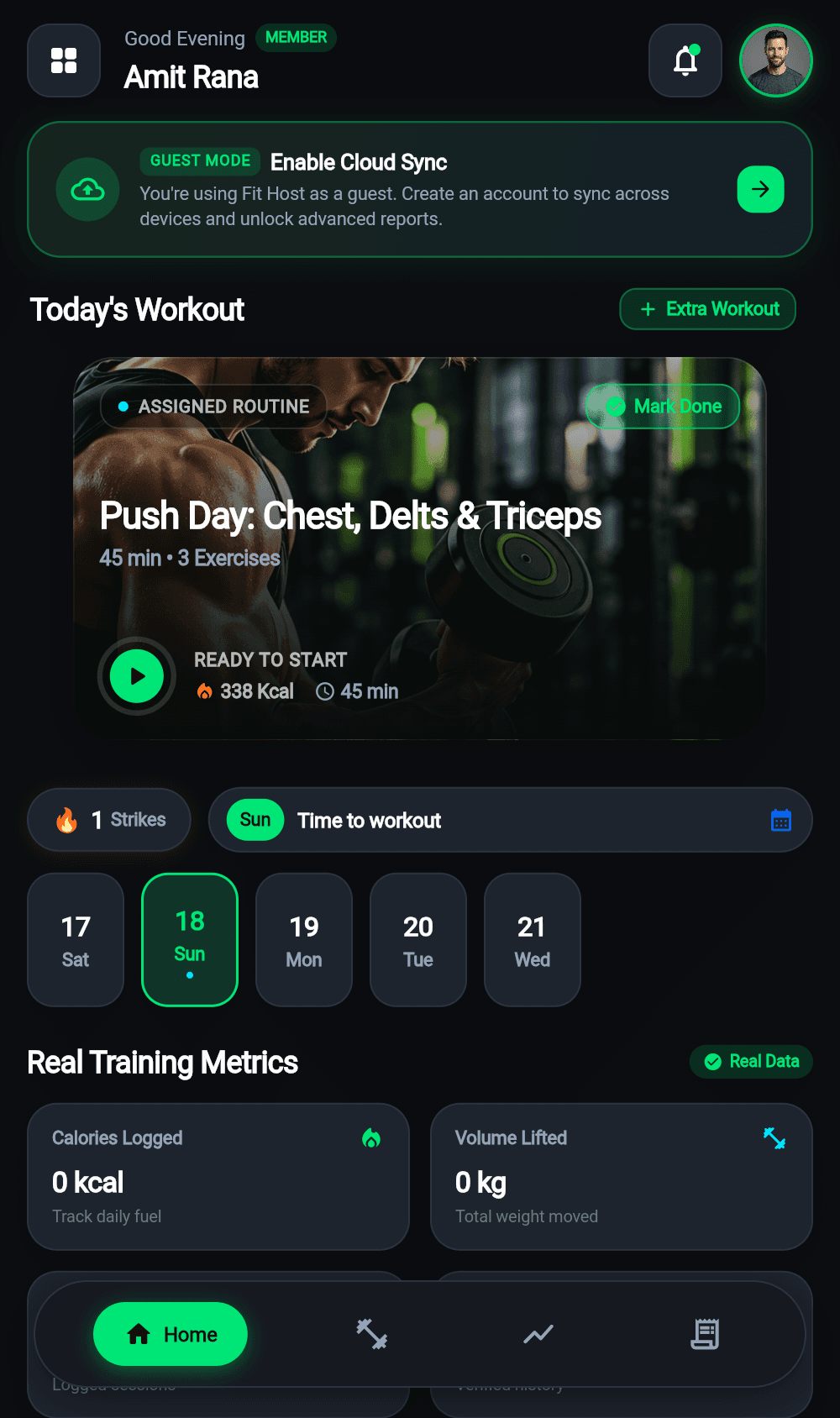
Fit Host launches immediately to the welcoming home screen.
Continue as Guest or Sign Up
Start logging instantly with complete privacy in Guest Mode. Or create a permanent cloud profile with Email OTP or Google OAuth for multi-device sync.
- Guest Mode: Zero personal credentials required to start
- Cloud Account: Protected by PostgreSQL Row Level Security (RLS)
- Seamless migration: Guest logs merge automatically when you register later
Choose guest mode for instant testing or sign up for continuous backup.
Configure Profile & Daily Targets
Customize your baseline hydration target (e.g. 2,500ml), daily caloric ceiling, macro ratios, and workout reminder sound alarms.
- Set fluid intake in milliliters with automatic daily reset
- Macro allocation for protein, carbohydrates, and healthy fats
- Configurable reminder intervals to keep your habits consistent
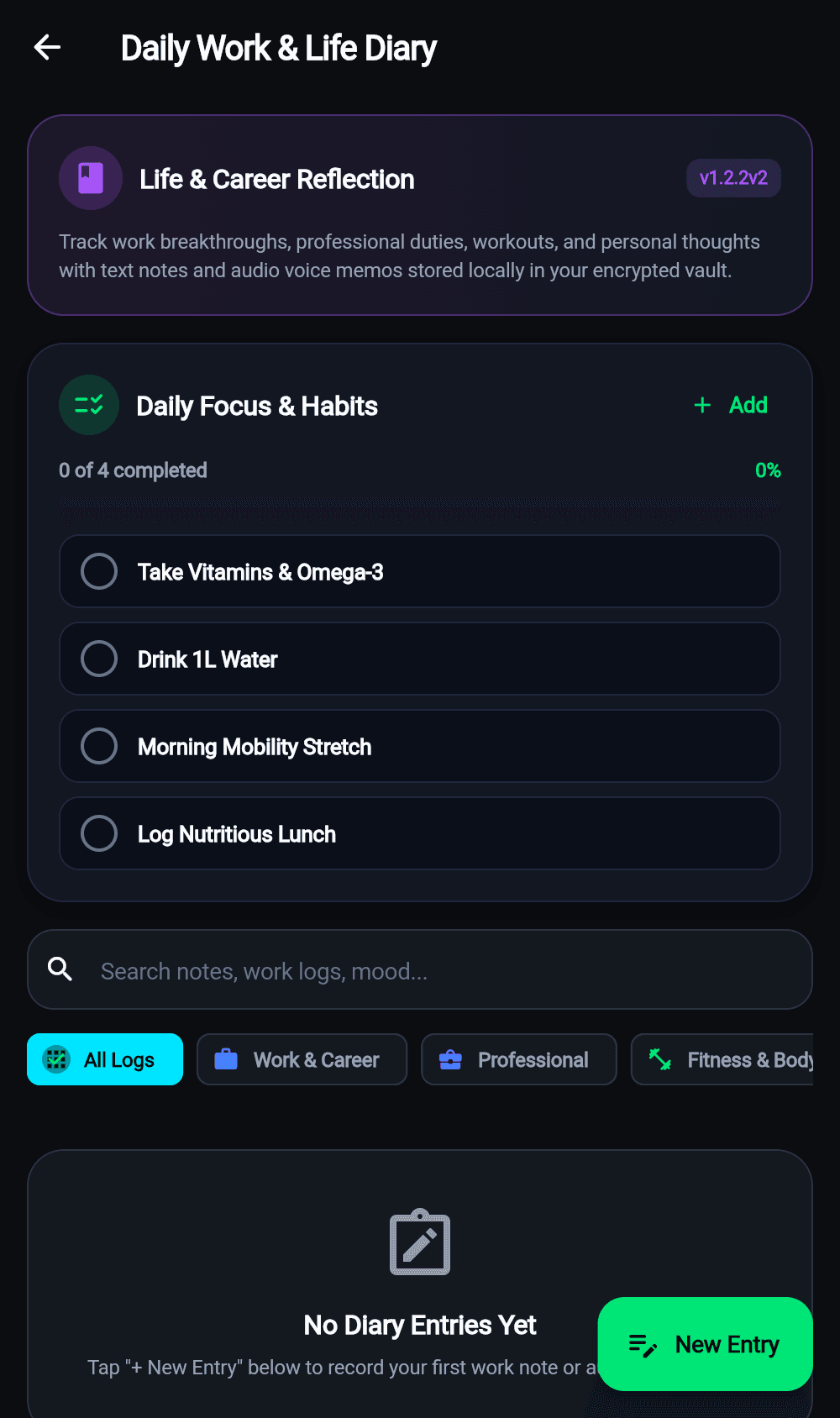
Dial in your personal hydration targets and daily reminder alarms.
Track Workouts, Sets & Exercises
Pick from 10 categorized disciplines. Enter resistance weight, log repetitions, check off completed sets, and rest with the built-in countdown timer.
- 10 structured categories: Strength, Cardio, HIIT, Bodyweight, Arms, Chest, and more
- Interactive rest timer with audio cue and subtle haptics
- Immediate sub-millisecond writes directly to device storage
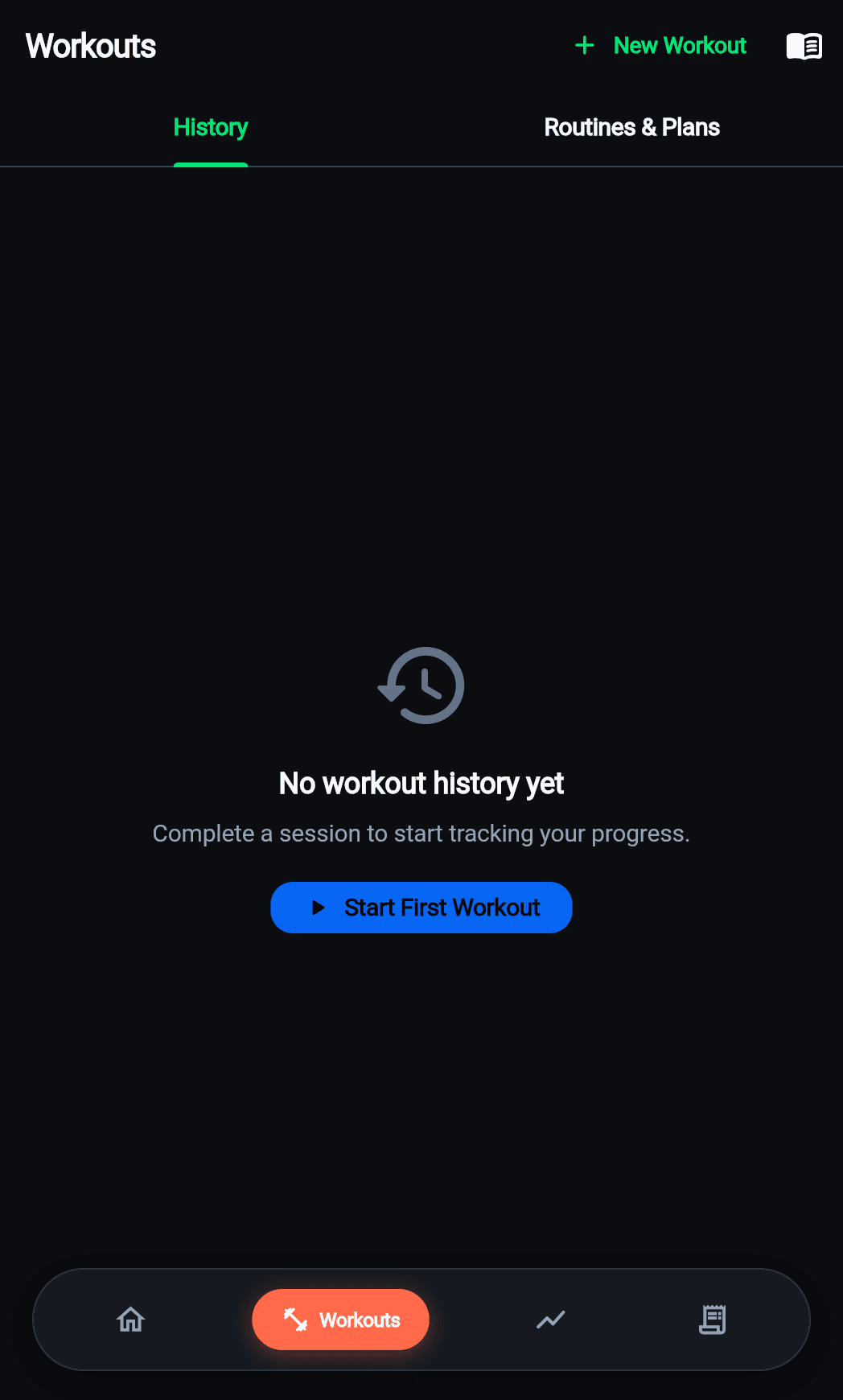
Set-by-set resistance and repetition logging during active workouts.
Review Saved Progress & Analytics
Inspect your workout timelines, daily volume curves, and multi-day streaks in the Diary and Progress tabs.
- Chronological session history with total weight moved
- Macro balance feedback to evaluate daily fuel versus training output
- Visual hydration percentage rings updated with each log
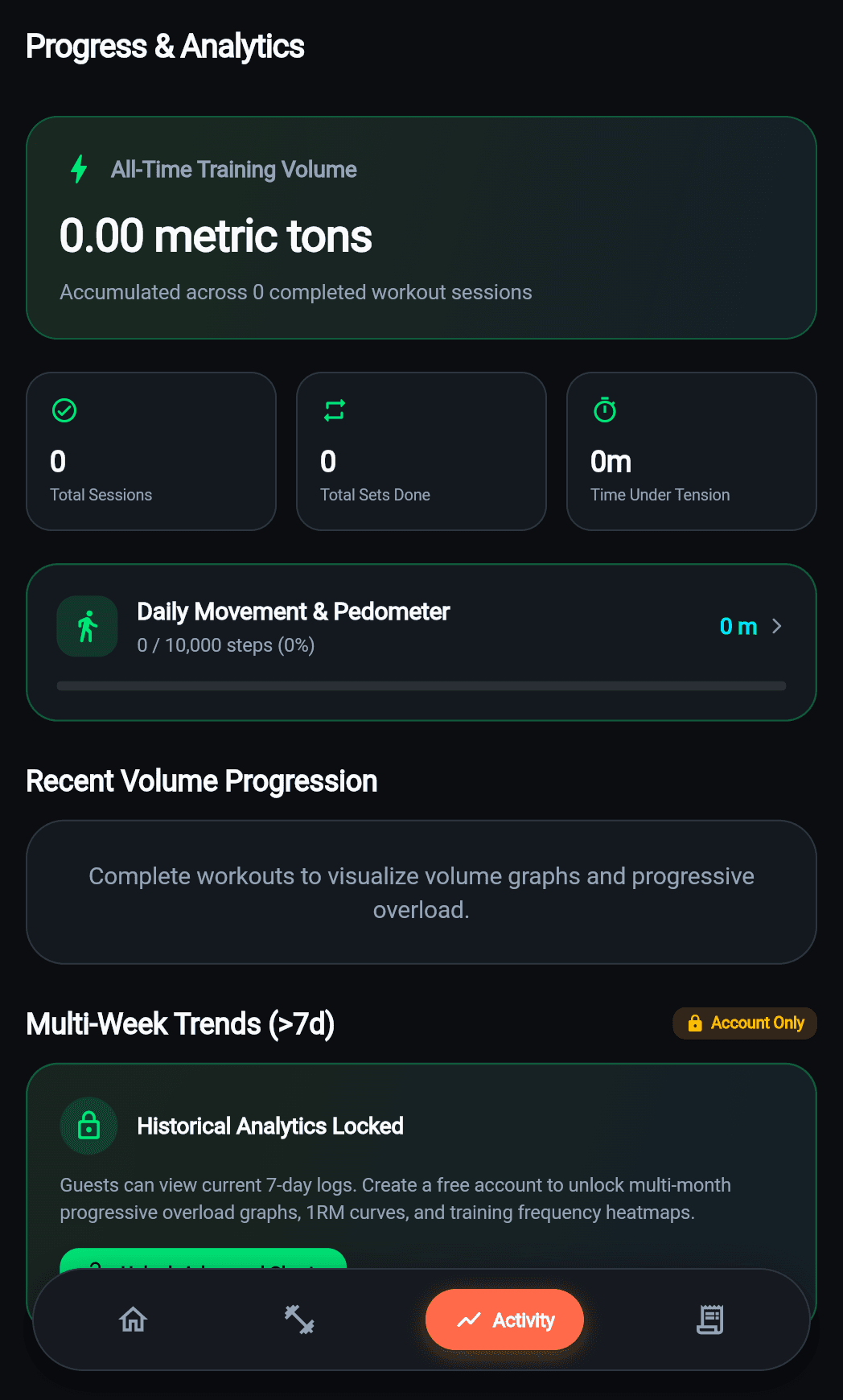
Review workout summaries, volume progressions, and personal milestones.
Understand Offline Access & Cloud Sync
Fit Host uses a dual-layer data architecture: local Drift SQLite executes all operations without waiting for network; Supabase synchronizes changes in the background.
- 100% offline functionality in basement gyms or airplane mode
- Background sync queue pushes pending changes once network returns
- PostgreSQL RLS ensures total isolation between user accounts
Offline-first Drift engine coupled with background Supabase synchronization.
Dual-Layer Resilience: Drift SQLite + Supabase PostgreSQL
Most fitness apps fail as soon as you step into an underground training facility with weak cellular reception. Fit Host solves this fundamentally:
Drift SQLite Database
Reads and writes complete in less than 2 milliseconds directly on your phone storage. Zero waiting, zero spinners.
Background Sync Queue
An intelligent network state manager monitors connectivity and queues offline logs with timestamp conflict resolution.
Supabase PostgreSQL + RLS
Stores historical backups in PostgreSQL with strict Row Level Security ensuring only you can access your private logs.
Ready to Train Without Limits?
Fit Host is a dedicated mobile application for iOS and Android. Experience sub-millisecond offline workout logging, accurate macro tracking, and two-way cloud sync.