v2.1.0 Released — Hybrid Drift SQLite + Supabase Sync is now live.
Release Notes
Fit Host Logo
FITHOSTFitness & Wellness
Back to All Guides
Troubleshooting
4 min readUpdated October 19, 2026

Troubleshooting Sync and Offline Connectivity

Step-by-step diagnostic checklist to verify internet access, resolve sync delays, force a manual sync, and ensure your local records are protected.

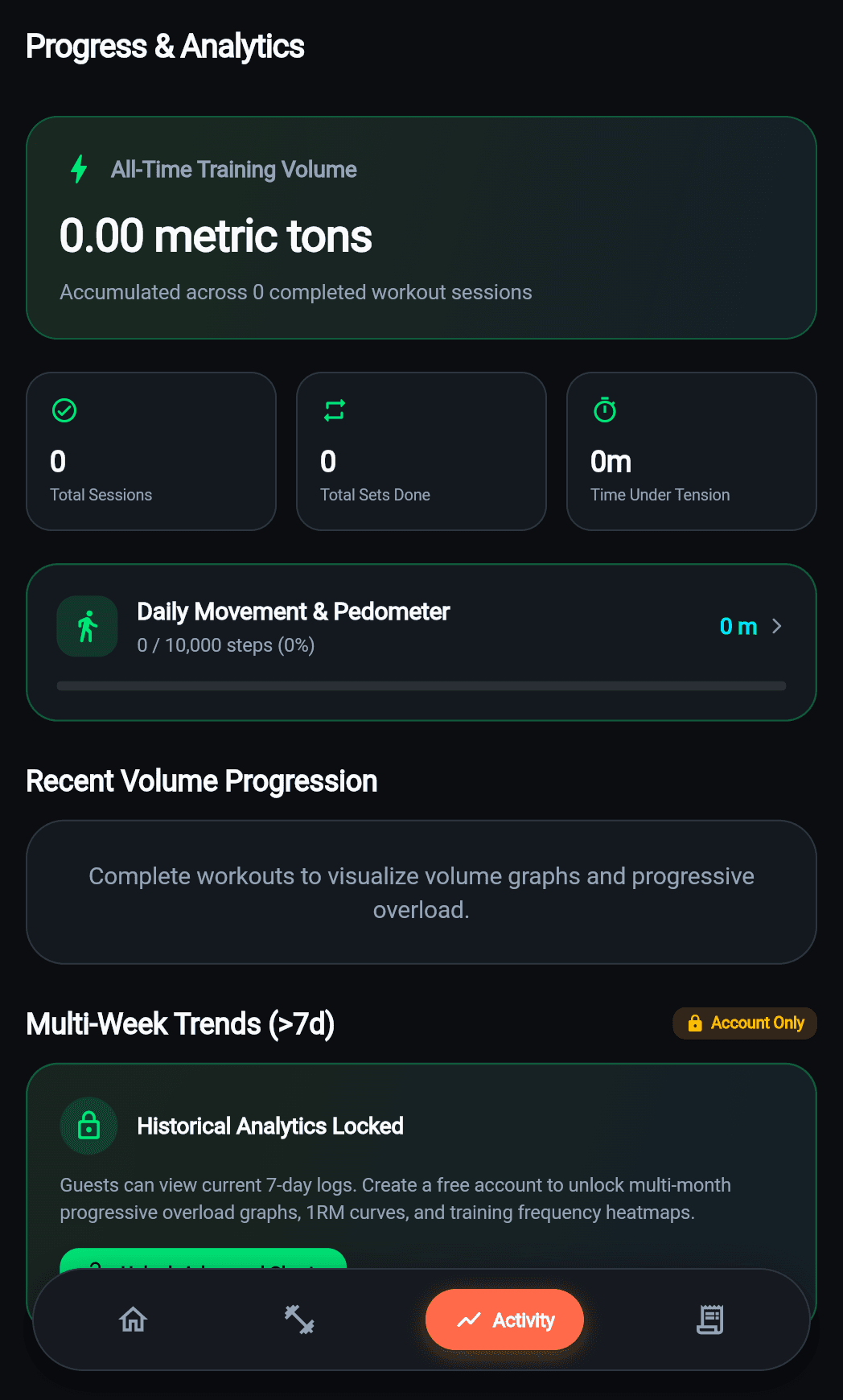
Troubleshooting Sync and Offline Connectivity preview

Mobile interface reference for Troubleshooting Sync and Offline Connectivity

Key Takeaways

  • Guest mode does not sync to cloud—create an account to enable backup.
  • Swipe down to force a manual sync pass at any time.
  • Data is never deleted locally if a cloud sync attempt fails.

Step-by-Step Instructions

01

Check Device Network Connectivity

Ensure your phone is not in Airplane Mode and has an active Wi-Fi or cellular data connection. Open a web browser to confirm active connectivity.

02

Verify Your Authentication State

If you are using Guest Mode, your data is stored locally and does not sync to the cloud. Go to Profile to check if you are signed in. If your session expired, sign in again to resume synchronization.

03

Perform a Pull-to-Refresh

On the Home or Diary screen, swipe down to trigger an immediate manual synchronization pass. The app will fetch the latest remote records and push pending local changes.

04

Check Battery Optimization Restrictions

On some Android devices, strict battery saver modes can restrict background sync. Ensure Fit Host has background activity permissions enabled in your device system settings.

Related Guides

CURRENT BUILD: v2.1.0 • OCTOBER 2026

Ready to Train Without Limits?

Fit Host is a dedicated mobile application for iOS and Android. Experience sub-millisecond offline workout logging, accurate macro tracking, and two-way cloud sync.

Download Android APK44.2 MB
App Store
Coming Soon
Google Play
Coming Soon
100% Free to Use Offline Drift SQLite Storage Zero Forced Advertising
Official store listings are currently being prepared for App Store and Google Play. You can install the verified Android Release APK today.